Define the problem
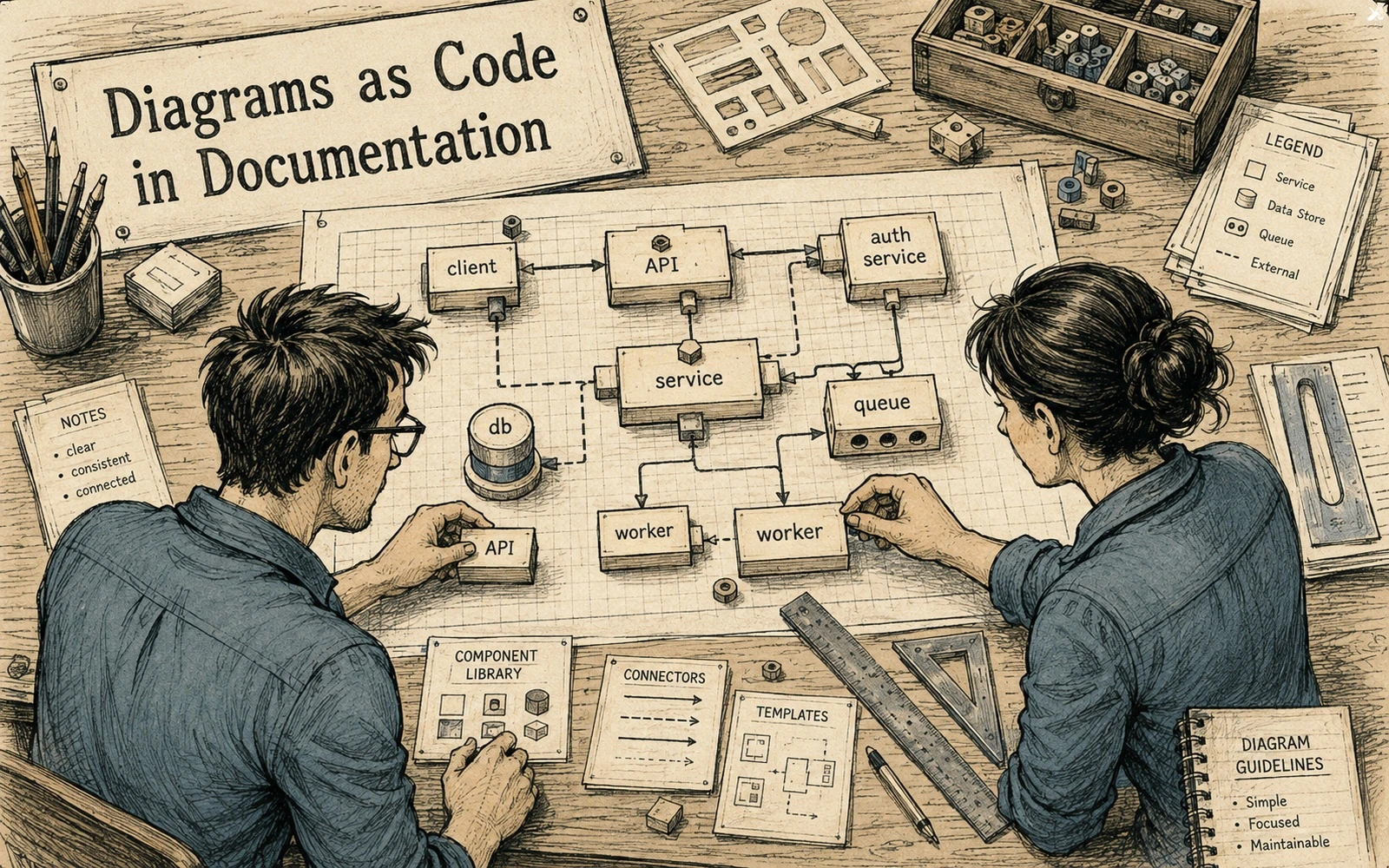
Use text-defined diagrams for flows, states, dependencies and sequences where relationships are the main information. Diagrams as code are valuable when the diagram expresses a maintained system relationship, not when a hand-drawn illustration would be clearer.
Choose a useful model
Do not force screenshots, physical objects or carefully composed illustrations into diagram syntax. Choose notation that the team can read without specialist tooling and keep labels close to the vocabulary used in the surrounding text.
Build the workflow
Support one or two notations with consistent rules instead of many competing diagram systems. Store diagram sources beside the article and render them in CI so a broken diagram fails before publication rather than after a manual export.
Check the result
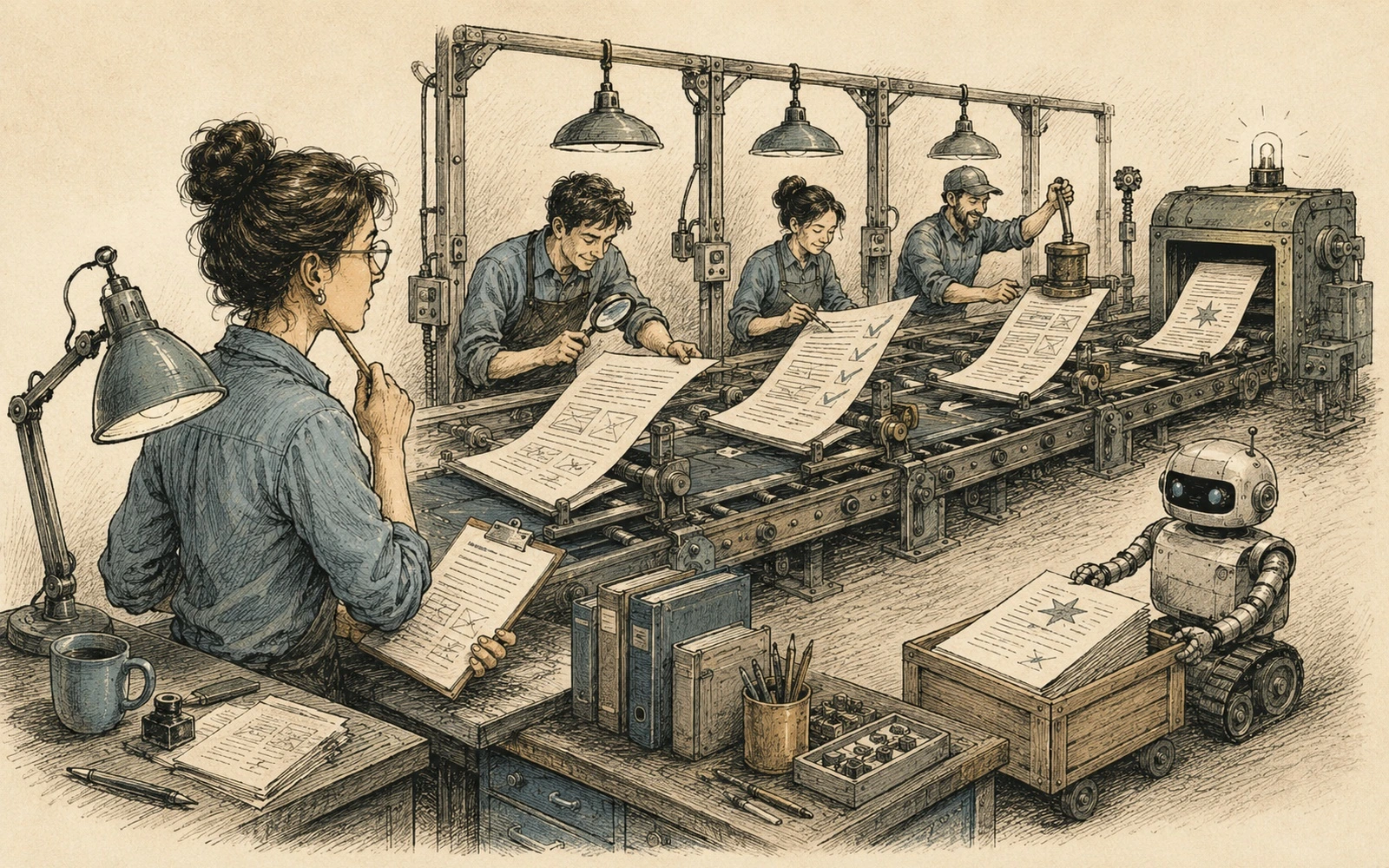
Review the rendered output for crossings, density, labels and mobile readability, not just the source syntax. Review diagrams for semantic drift: a syntactically valid graph can still describe an architecture that stopped existing two releases ago.
Keep it maintainable
Keep diagram source close to the article that owns it so future changes remain traceable. Use reusable style defaults, but let the information determine the geometry; uniform branding should not force every system into the same shape.
Applied example
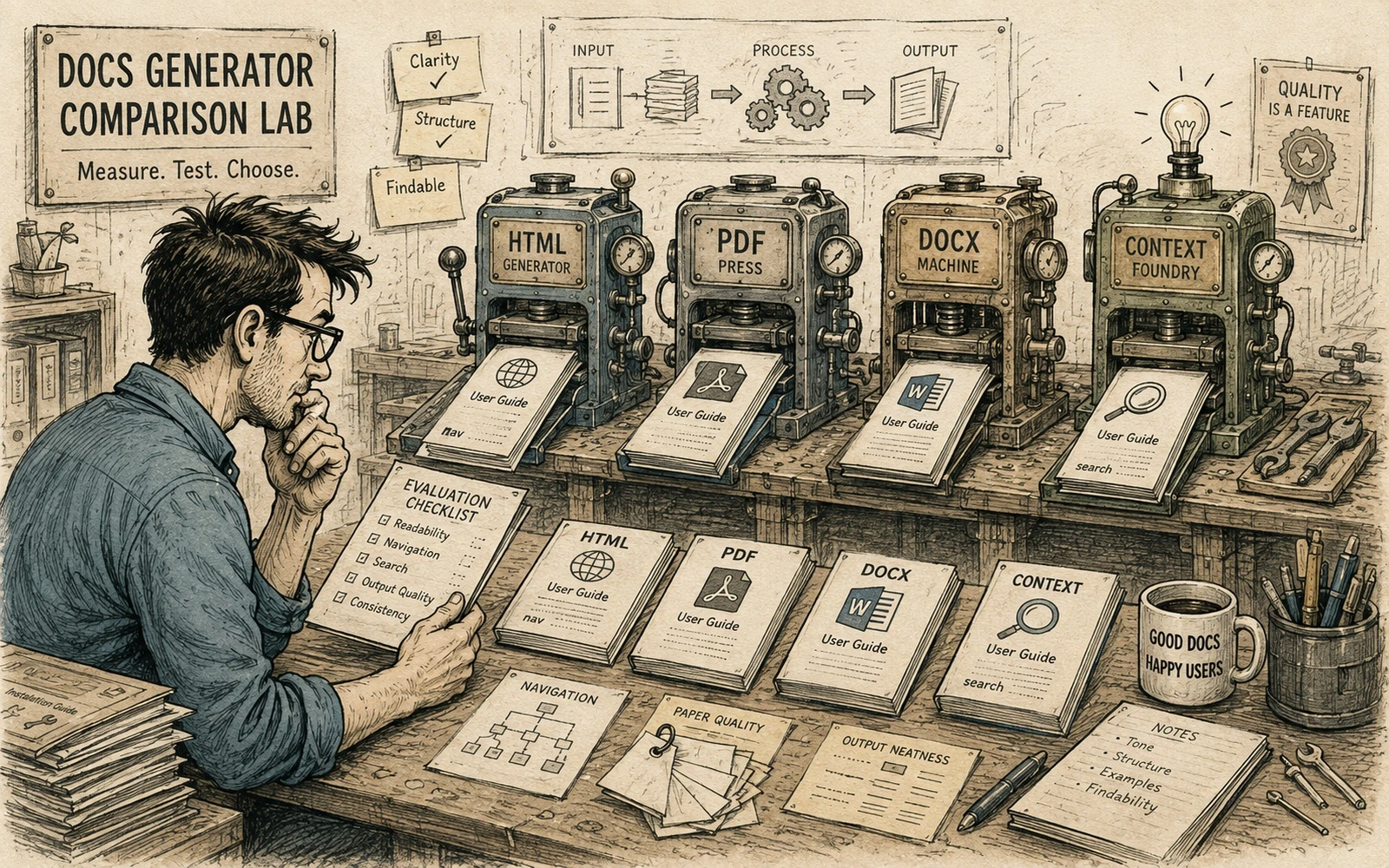
Treat “Diagrams as code: when they help documentation and when they do not” as a small evaluation, not a feature-list comparison. Choose three representative content samples from your own work: one simple page, one page with code or structured data, and one awkward page with navigation, reuse or localization requirements. Run all three through the tool or method and record what becomes easier and what new maintenance cost appears.
Judge the result on work your team will repeat every week:
- Can an author understand the source without specialized knowledge?
- Can a reviewer see a meaningful diff?
- Can the build fail with an error that points to a fixable problem?
- Can content be moved, localized or reused without manual cleanup?
Do not reward a tool for producing an impressive demo that your real content cannot sustain. A good documentation tool reduces uncertainty in authoring, review and publishing. If it shifts complexity into hidden configuration, fragile plugins or one expert’s memory, include that cost in the decision.
Quick editorial checklist
- Define the problem. Use text-defined diagrams for flows, states, dependencies and sequences where relationships are the main information.
- Choose a useful model. Do not force screenshots, physical objects or carefully composed illustrations into diagram syntax.
- Build the workflow. Support one or two notations with consistent rules instead of many competing diagram systems.
- Check the result. Review the rendered output for crossings, density, labels and mobile readability, not just the source syntax.