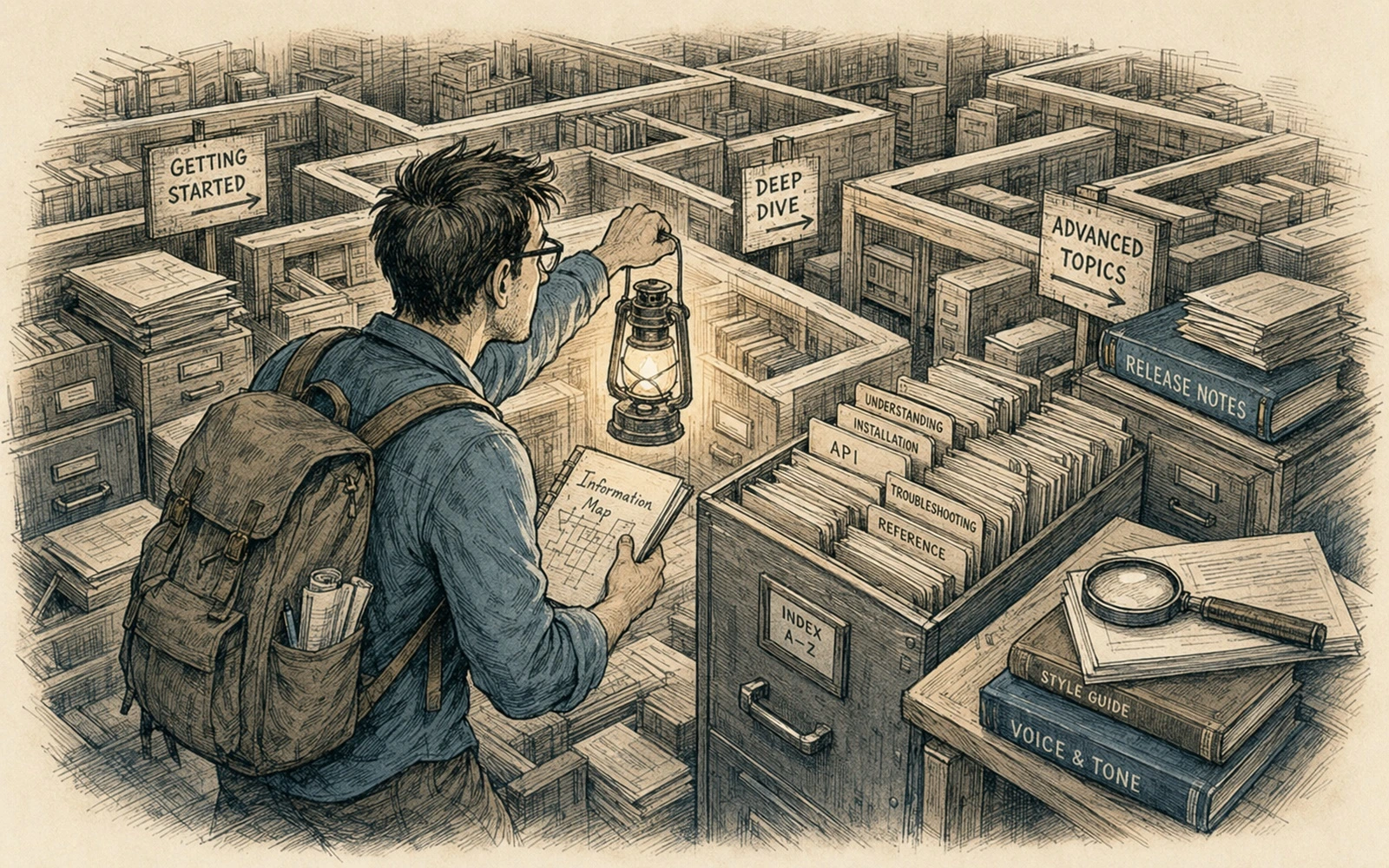
Begin with content, not screenshots
A generator demo can look excellent and still be wrong for your documentation. Before comparing themes, write down what the system must publish: long manuals, API reference, tutorials, generated pages, versioned releases, several languages, thousands of articles, or a mixture of those things.
Then describe who writes. Engineers editing Markdown in Git have different needs from occasional subject-matter experts working through a browser.
Compare the content model
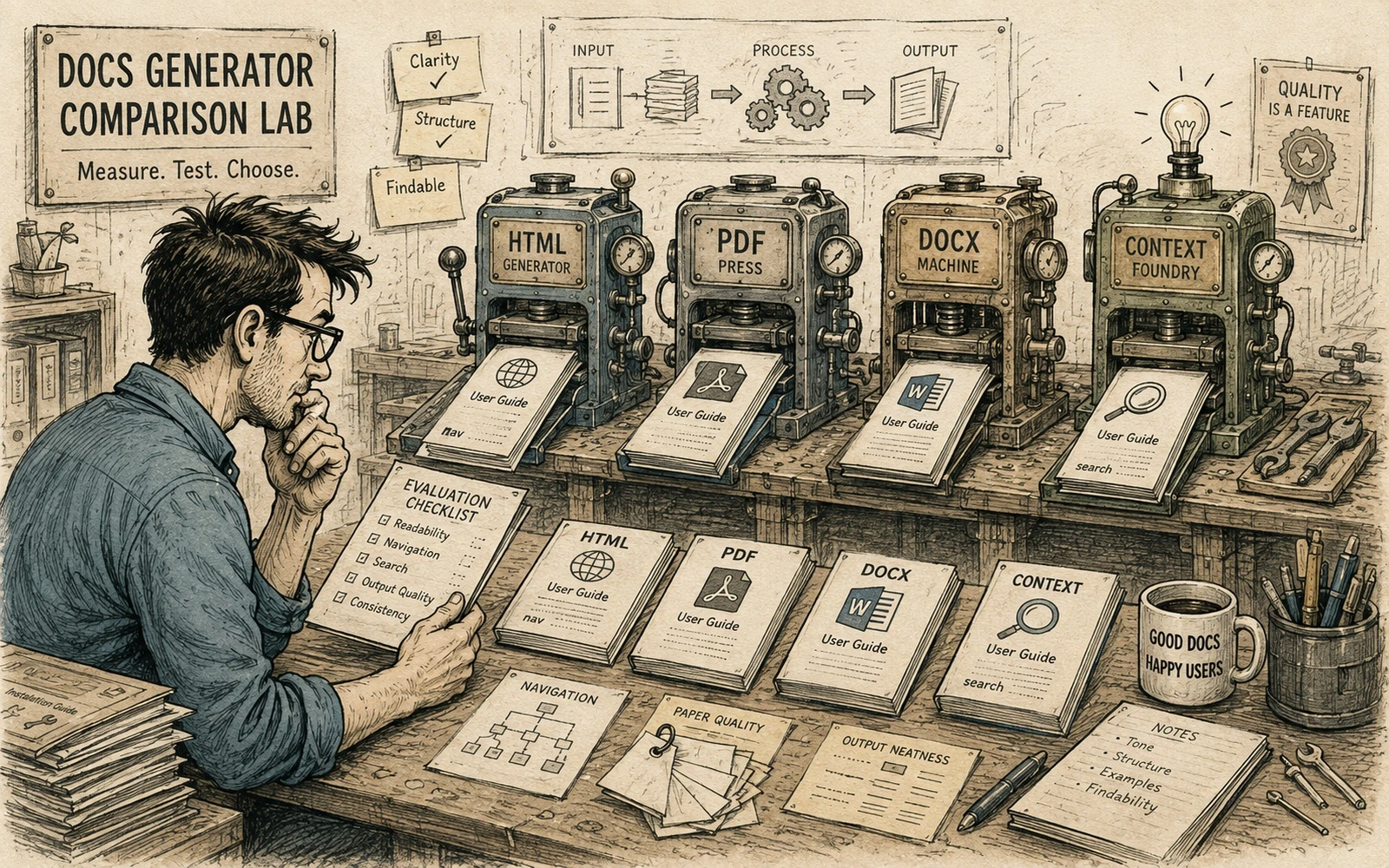
Sphinx is strong when cross-references, structured directives, long technical documents and extensibility matter. MkDocs is attractive when a Markdown-first workflow and straightforward site structure are central. Astro is a broader content-focused web framework: it gives a team more control over layouts, typed content collections, assets and routing, but that flexibility also means owning more of the publishing product.
The point is not to crown a winner. It is to match the abstraction to the work.
Price the maintenance surface
Count custom plugins, theme overrides, build steps and private conventions. Every customization is a future upgrade task. A generator with fewer built-in features can be cheaper if the team needs only those features; a richer system can be cheaper if it replaces a pile of custom glue.
Test an upgrade before committing. The useful question is not “can we customize this?” but “can the next maintainer understand why we customized it?”
Prototype the hard cases
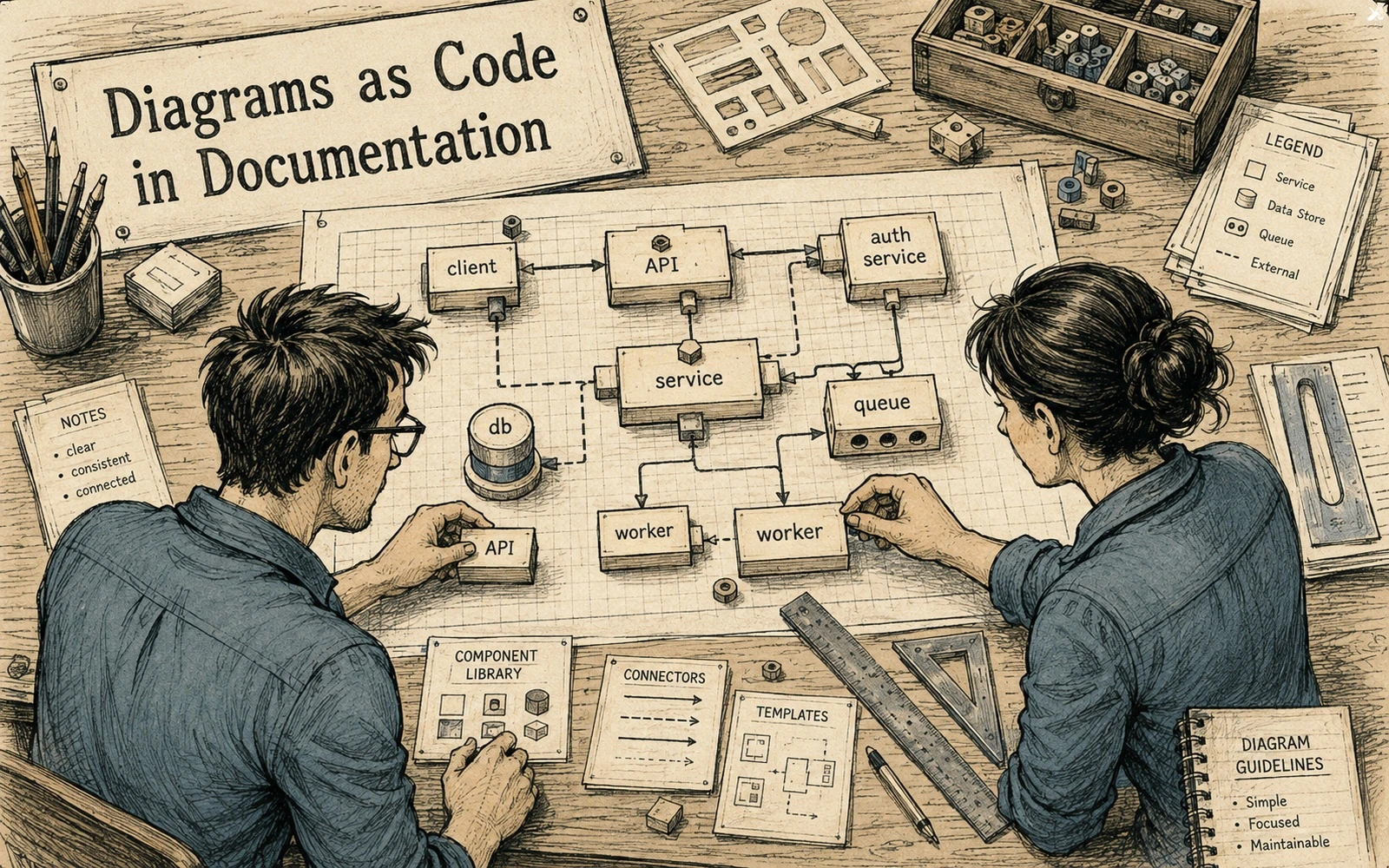
Build a small spike containing the ugliest real requirements: a large table, reusable content, localization, code highlighting, images, redirects, search metadata and a long article. Measure build behavior with a representative number of pages.
Do not evaluate only the homepage.
Make migration possible
Keep content semantics separate from theme-specific markup where practical. Prefer ordinary Markdown plus well-defined components over hundreds of ad-hoc HTML fragments. Store metadata in a documented schema.
A documentation generator is infrastructure, not identity. Choose one that makes reliable publishing easy today and leaves a reasonable exit path tomorrow.
Applied example
Treat “How to choose a documentation generator without choosing a religion” as a small evaluation, not a feature-list comparison. Choose three representative content samples from your own work: one simple page, one page with code or structured data, and one awkward page with navigation, reuse or localization requirements. Run all three through the tool or method and record what becomes easier and what new maintenance cost appears.
Judge the result on work your team will repeat every week:
- Can an author understand the source without specialized knowledge?
- Can a reviewer see a meaningful diff?
- Can the build fail with an error that points to a fixable problem?
- Can content be moved, localized or reused without manual cleanup?
Do not reward a tool for producing an impressive demo that your real content cannot sustain. A good documentation tool reduces uncertainty in authoring, review and publishing. If it shifts complexity into hidden configuration, fragile plugins or one expert’s memory, include that cost in the decision.
Quick editorial checklist
- Begin with content, not screenshots. A generator demo can look excellent and still be wrong for your documentation.
- Compare the content model. Sphinx is strong when cross-references, structured directives, long technical documents and extensibility matter.
- Price the maintenance surface. Count custom plugins, theme overrides, build steps and private conventions.
- Prototype the hard cases. Build a small spike containing the ugliest real requirements: a large table, reusable content, localization, code highlighting, images, redirects, search metadata and a long article.