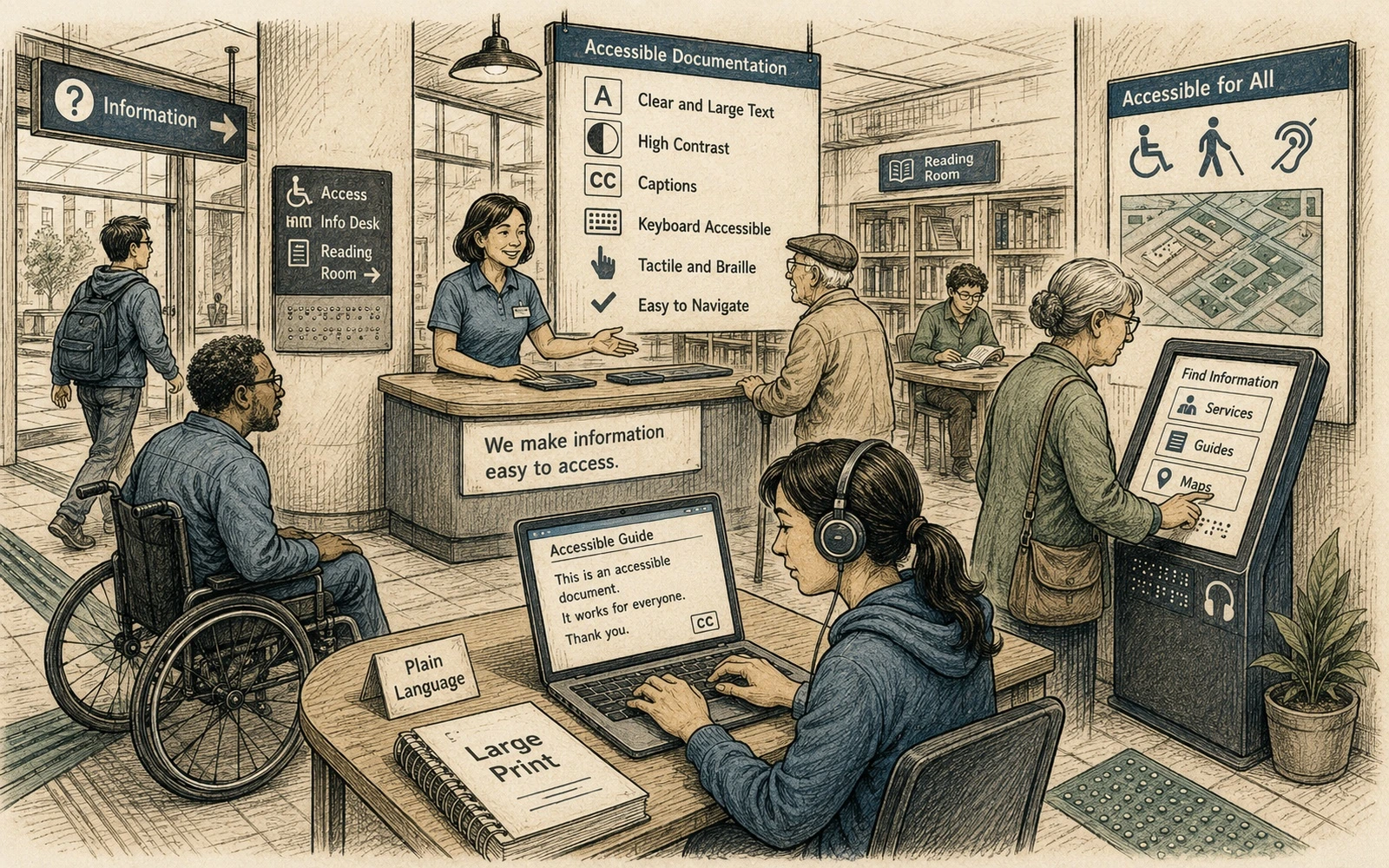
Accessibility source से शुरू होती है
Theme अच्छा contrast और keyboard behavior दे सकता है, लेकिन content समझने योग्य है या नहीं यह authors तय करते हैं। गलत heading order, meaningless links, screenshots बिना alternatives और layout tables को CSS reliably fix नहीं कर सकता।
इसलिए accessibility rules templates और editorial review दोनों में होने चाहिए।
Semantic structure रखें
Headings hierarchy बताने के लिए हों, font size लेने के लिए नहीं। Lists को lists रखें और tables केवल real tabular relationships के लिए। Pages को descriptive titles और predictable information order दें।
यह screen-reader users के साथ search, navigation और reuse में भी मदद करता है।
Links context से बाहर भी meaningful हों
“Click here” दोहराने से बचें। Link text destination या action बताए। Status या meaning केवल color से न दें।
Images को information की तरह treat करें
Alt text वह meaning बताए जो reader को image से चाहिए; हर pixel का description नहीं। Decorative images empty alt use कर सकती हैं। Instructional screenshot के पास वही essential action text में भी होना चाहिए।
Complex diagram के लिए short alt और surrounding content में longer explanation दें।
Authoring patterns test करें
Missing alt, heading issues और empty links automated checks से पकड़ें, और representative pages keyboard तथा accessibility tools से manually test करें। Code, callouts, tabs और search भी include करें।
Accessibility तब scale होती है जब safe patterns ही सबसे आसान authoring patterns हों।
व्यावहारिक उदाहरण
“Documentation teams के लिए WCAG 2.2: practical starting points” को किसी वास्तविक page पर लागू करें। ऐसा content चुनें जिसमें headings, table, note, example, दोहराया गया term और कम-से-कम एक reader action हो। पहले author की तरह और फिर उस reader की तरह review करें जो internal vocabulary नहीं जानता।
Observable defects लिखें:
- कौन-सी structure ऐसा meaning देती है जो plain text में नहीं है;
- कौन-सा term spelling या meaning बदलता है;
- कौन-सी instruction unstated context पर निर्भर है;
- कौन-सा rule review में consistently check करना कठिन है।
Standard तब उपयोगी है जब दो editors उसी content पर लगभग समान निर्णय ले सकें। यदि rule सही लगता है पर representative page पर दिखाया नहीं जा सकता, तो उसे स्पष्ट करें, example जोड़ें या scope छोटा करें।
त्वरित संपादकीय जाँच
- Accessibility source से शुरू होती है. Theme अच्छा contrast और keyboard behavior दे सकता है, लेकिन content समझने योग्य है या नहीं यह authors तय करते हैं। गलत heading order, meaningless links, screenshots बिना alternatives और layout tables को CSS reliably fix नहीं कर सकता।
- Semantic structure रखें. Headings hierarchy बताने के लिए हों, font size लेने के लिए नहीं। Lists को lists रखें और tables केवल real tabular relationships के लिए। Pages को descriptive titles और predictable information order दें।
- Links context से बाहर भी meaningful हों. “Click here” दोहराने से बचें। Link text destination या action बताए। Status या meaning केवल color से न दें।
- Images को information की तरह treat करें. Alt text वह meaning बताए जो reader को image से चाहिए; हर pixel का description नहीं। Decorative images empty alt use कर सकती हैं। Instructional screenshot के पास वही essential action text में भी होना चाहिए।